


By Iza
By the end of the lesson, students will be able to:
Skills referential:
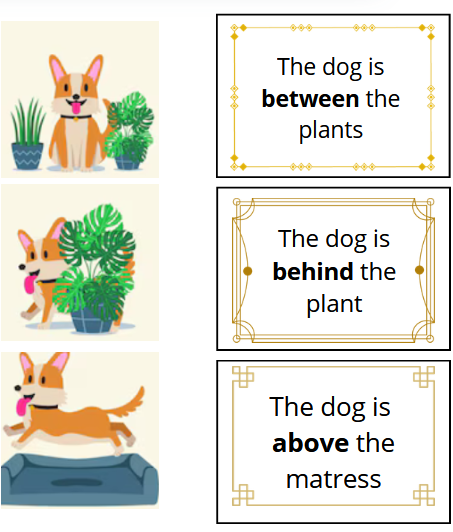
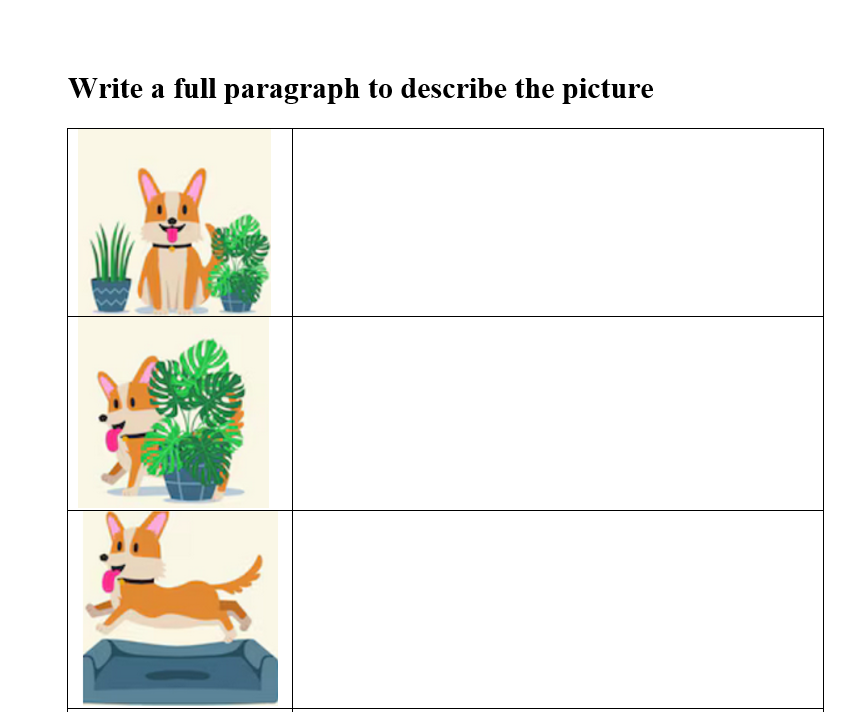
Show the exercise sheet, the card with the words and the pictures and remind the students the type of activity they are going to do.
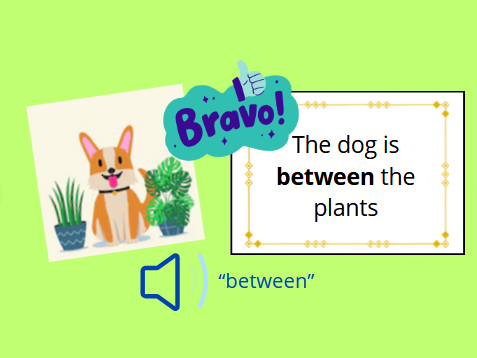
Demonstrate how to use MIXAP to check the correspondence automatically between the word and the pictures. When the right association is detected, the “congratulations” message appears and the students can listen to an audio file to hear the word or the sentence that was previously recorded by the teacher.
📌 Key Question:
“What is the object or the situation on the cards?“
Students should be in groups of two, on a table with the required equipment.
The exercise sheet is their guide.
They choose one of the pictures and try to identify the correct word. They place them next to each other and use MIXAP to see if the association is correct. If MIXAP shows a “congratulations”, they write the word on the exercise sheet and can listen to the audio file. If not, they try again with another card.
📌 Exit Ticket : each student needs to show the exercise sheet to the teacher when they have finished.
Ensure all students can access MIXAP before the lesson.
Make sure the table is cleared.
Make sure the table is placed where there is good lighting (natural lighting is the best). This will improve the image recognition algorithm.
You can provide more or less cards with words to adapt the exercise to the students level.
If it is more convenient, you do not need to print out extra pictures. The students can directly use the pictures printed on the exercise sheet to do the activity.
You might need to add different frames or small images on the word cards to make sure they are better recognised and differentiated by MIXAP.
Emner:
Alder:
Land:
Fandt du denne ressource nyttig?
Del denne lektionsplan: