


How to use?
Using MIXAP is easy: simply open the app page on a phone or tablet, create an activity in a few steps, then share the link with your students or your classroom devices.
Create your own activity
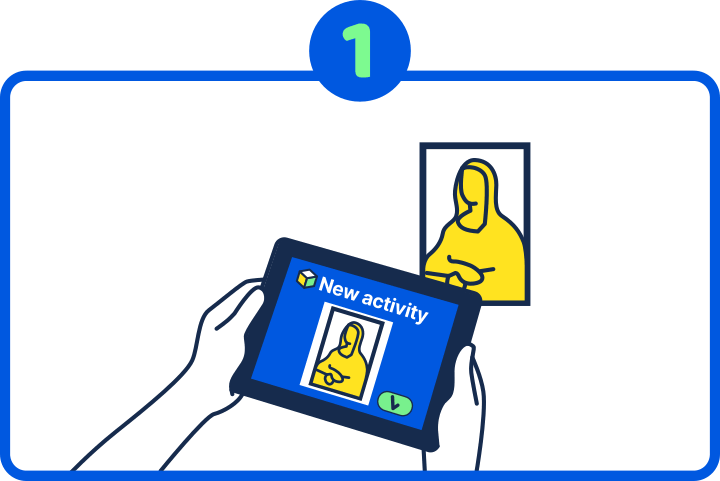
Start from a picture
Take a photo or scan education material you already use: a textbook page, a poster, a card, an object…
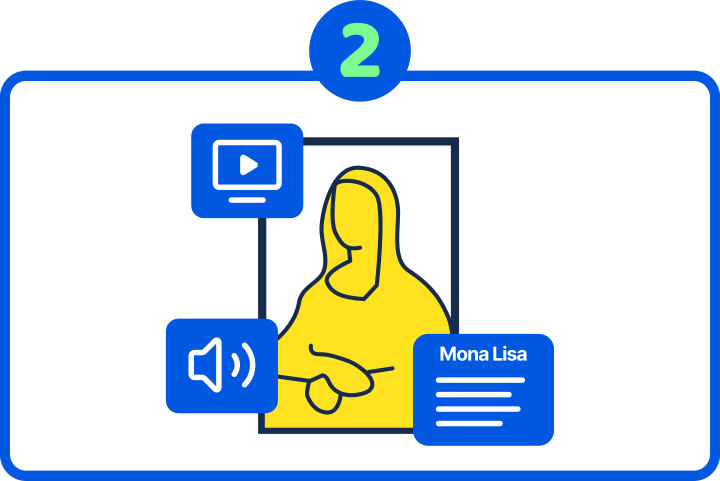
Create an Augmented
Reality activity
Create interactive activities with the picture: show multimedia resources, search and find, pair association and many more.
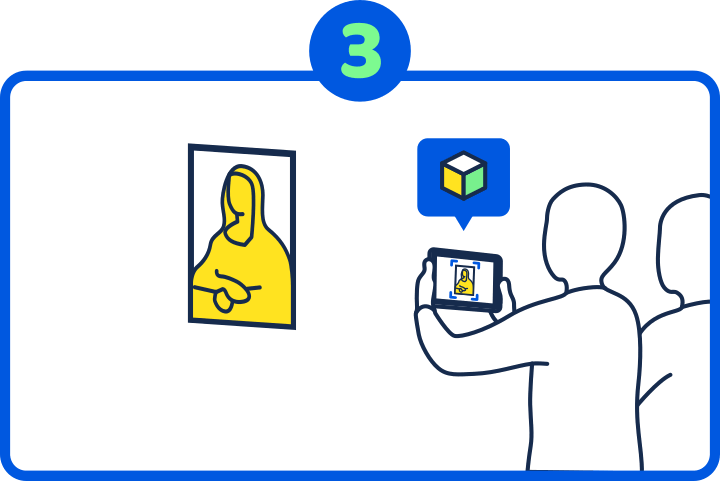
Scan with MIXAP
Ask your students to open MIXAP on any device with a camera, open your activity, and scan the picture to start.
Use an existing lesson plan
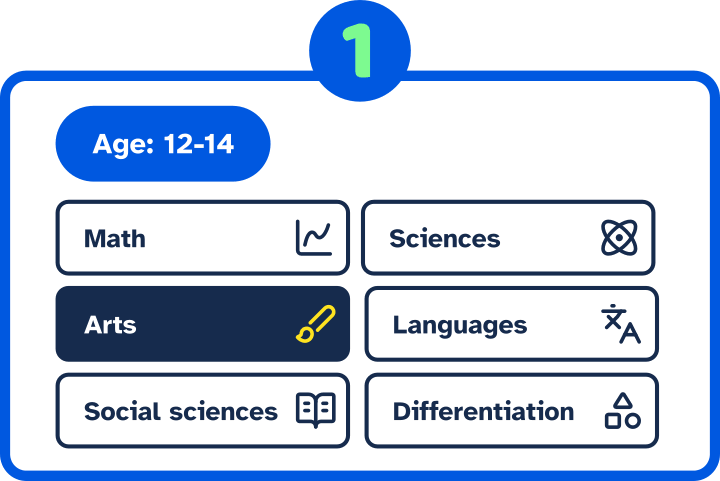
Choose a lesson plan
Browse through the catalogue of lesson plans created by other teachers, and use the link or QR code to open one.
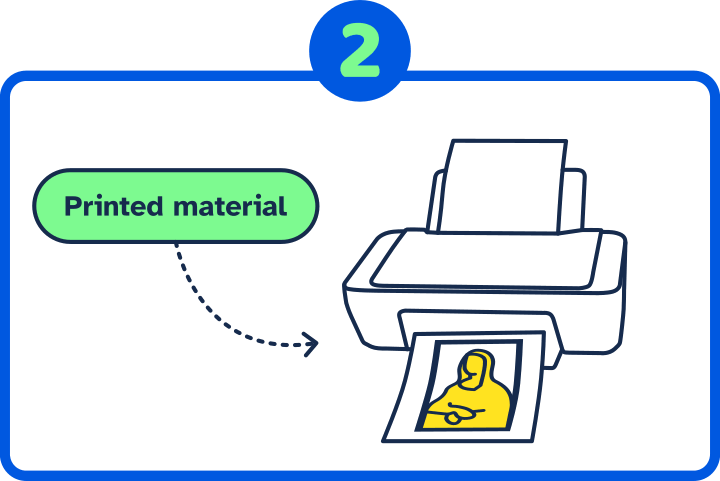
Print the required material
On the lesson plan webpage, open and print the “Printed Materials” PDFs. You can also print the lesson plan.
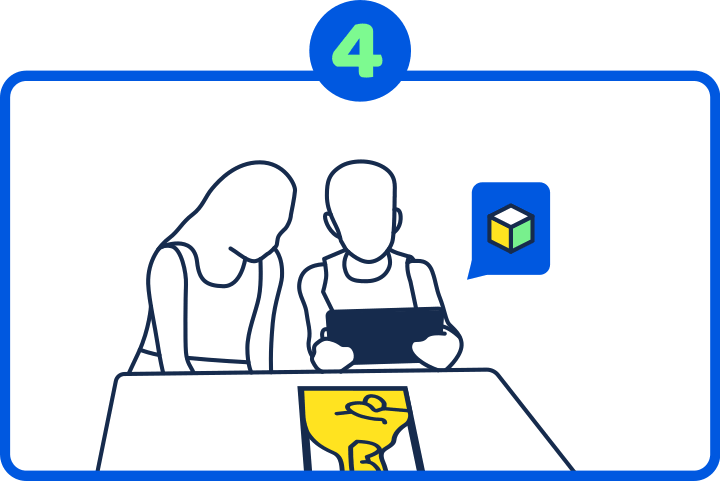
Test and modify the activity
Test out the activity and modify it if necessary.
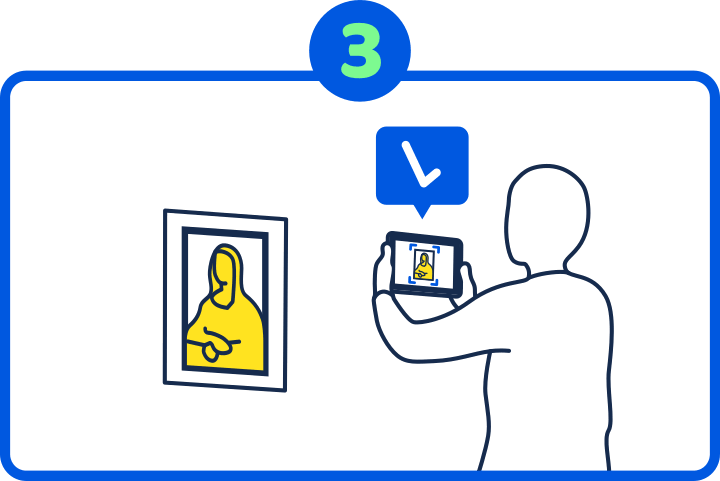
Scan with MIXAP
Ask your students to open MIXAP on any device with a camera, open your activity, and scan the picture to start.
MIXAP works on any phone or tablet with a camera. There is no download required at all: not from you, not from your students.
About activities
You can use and combine various activities into Learning Paths. Each activity is a separate step, and the Learning Path groups them into a single lesson.
Find lesson plans
If you would prefer trying out existing activities first, check out our Resources page.
You can also receive new ideas and example lessons by subscribing to our newsletter. It’s only one email a month!